
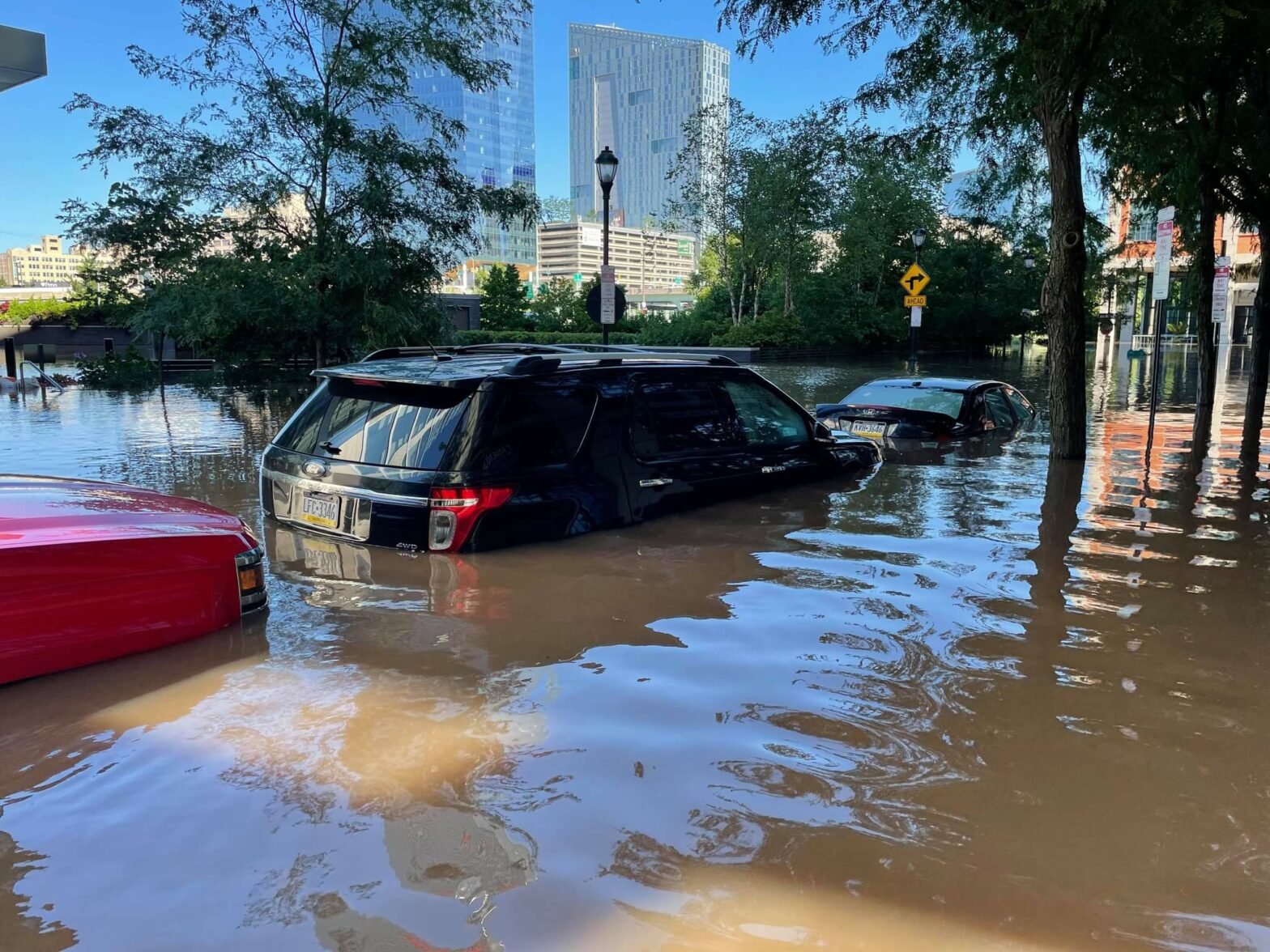
Active Emergency: Northeast Plane Crash
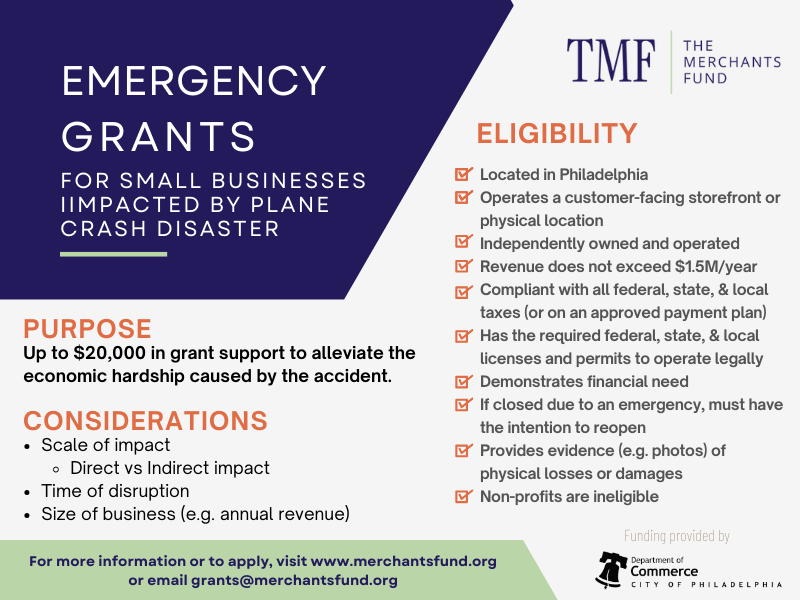
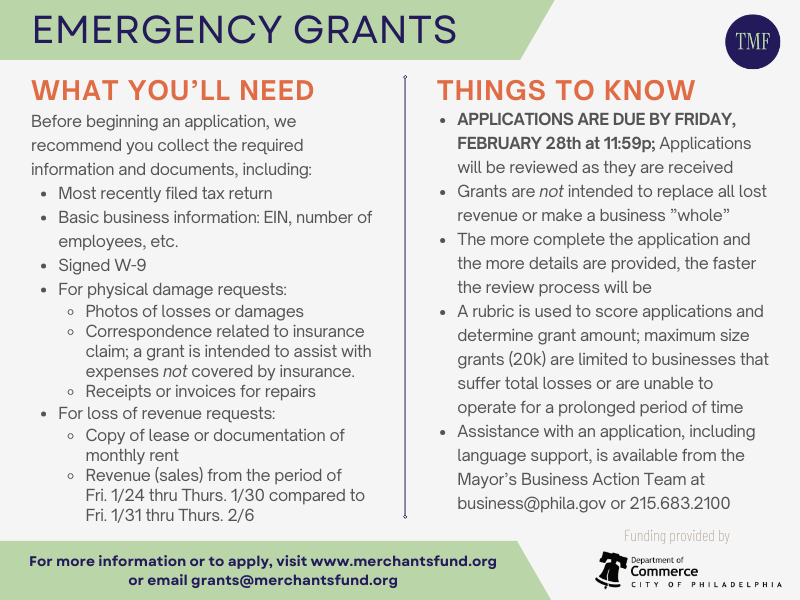
All businesses seeking support for this emergency must apply by February 28, 2025.

GRANTS
Emergency Grants
For small businesses
Purpose
Up to $20,000 in grant support to businesses facing hardship due to qualifying events such as fire, natural disaster, extreme acts of physical vandalism, utility failure, or a highly disruptive public works projects.
NOTE: If the emergency does not fall into one of the categories above, email grants@merchantsfund.org before completing an application to see if you qualify.
Funding Priorities
- Small & Micro business owners that have been historically undercapitalized and cannot withstand a prolonged loss of revenue.
- Businesses with an annual revenue of less than $500,000
Business Eligibility Checklist
- Located in Philadelphia
- Independently owned & operated
- Operates a storefront/physical location (food trucks & kiosks are eligible)
- Is in compliance with all federal, state and local taxes (or on an approved payment plan)
- Has the required federal, state and local licenses/permits to operate legally
- Annual revenue of $1.5M or less
- Must be able to demonstrate financial need for a grant
- Ineligible businesses include, but are not limited to, those that provide professional services (e.g. medical/therapeutic/counseling, legal, insurance), graphic design, architecture, real estate, child/elder care providers, and non-profit organizations. Additional ineligible businesses can be found on the quick reference sheet. These lists are not comprehensive and TMF reserves the right to deem any application ineligible or deny any application.
- If you have a question about eligibility, please call or email before completing an application.
How To Apply
- Visit the TMF online grant portal by clicking on the APPLY NOW button below
- Click Create New Account, then log in (use existing username/password, if applicable)
- Once logged in, click Apply at the top of the page
- Click the blue Apply button in the top right of the TMF Emergency Grant Program description box
- Applications will automatically save all progress. If you need to close it and finish later, there is no need to start a new application, simply login using your email and password you created and click “Edit Application” on your home screen. To submit your application, make sure all required information is completed and scroll down to the bottom of the application to click the blue SUBMIT button. You will receive an email confirmation once your application is submitted.
Funding provided by: